
Think of Googlebot as a Polite Visitor Who Follows Rules
You know what? Understanding how Google visits your site isn’t rocket science. Let me break it down like I’m explaining it to a friend over coffee.
Googlebot is basically Google’s little robot that goes around the internet, visiting websites and reading them. Think of it as a super-fast researcher who takes notes about every website it visits so Google knows what to show people when they search for something.
How Often Does Google Actually Visit Your Site?
Here’s the thing most people get wrong: Google doesn’t bombard your website constantly.
On average, Googlebot visits your site about once every few seconds. Now, before you panic thinking “that sounds like a lot!” – it really isn’t. Your website can handle this easily, just like a store can handle customers walking in.
But here’s where it gets interesting: sometimes it might look like Google’s visiting more often for a short burst. That’s normal. It’s like when several customers walk into a store at the same time – it doesn’t mean they’ll keep coming that fast all day.
If your site is struggling (like loading really slowly when Google visits), you actually have control! You can tell Google, “Hey, slow down a bit.” This is called reducing the crawl rate, and it’s totally okay to do.
How Much of Your Website Does Google Actually Read?
This part is fascinating, and most website owners have no clue about it.
Google Reads Your Content… But Not All of It
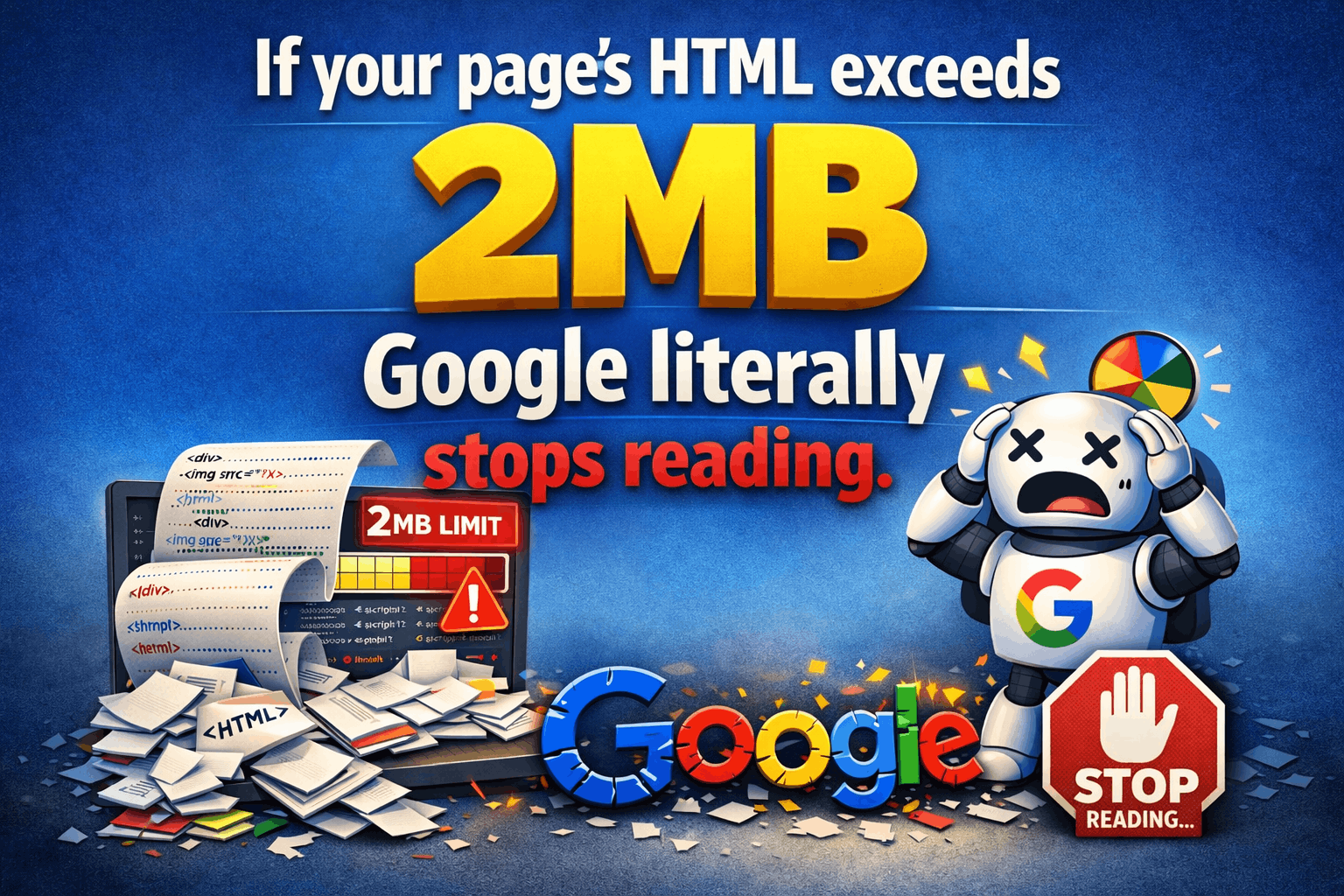
When Googlebot visits a regular webpage, it reads the first 2MB of content. Now, what’s 2MB? That’s roughly:
- About 1,000 pages of plain text
- Or 10-20 high-quality images
- Or several long articles combined
For PDF files specifically, Google is more generous – it reads up to 64MB, which is like a small book.
Here’s what this means for you: most normal websites won’t ever hit this limit. But if you have super long pages with tons of images and text, Google might stop reading partway through.
What About Images, Styles, and JavaScript?
Now, here’s where people get confused.
Your webpage isn’t just one thing, right? It’s made up of:
- The main content (HTML)
- Styling (CSS) that makes it look pretty
- Interactive elements (JavaScript)
- Images, videos, and other media
Google fetches each of these separately, and each one has that same 2MB limit (except PDFs). It’s like Google is collecting all the puzzle pieces of your webpage, one at a time.
Think of it this way: if your webpage is a house, Google first looks at the structure (HTML), then checks the paint job (CSS), then sees how the doors work (JavaScript), and finally looks at the decorations (images).
When Does Google Visit? (Timing Matters!)
Here’s a fun detail most people never think about: Googlebot operates on Pacific Time when it’s crawling from US-based servers.
Why does this matter? Well, if you’re checking your server logs and wondering “why is Google visiting at weird times?” – it might just be a timezone thing. If you’re in New York and see activity at 6 AM, that’s actually 3 AM Pacific Time for Google.
What Happens After Google Stops Reading?
This is crucial: once Google hits that file size limit, it stops downloading and only uses what it already got.
Imagine Google is photocopying a really long document but runs out of paper halfway through. It’ll work with the pages it managed to copy, but the rest? Not included.
This is why website speed and efficiency matter so much. You want Google to get all your important content before hitting any limits.
Different Googlebots for Different Jobs
Here’s something cool: there isn’t just one Googlebot. Google actually has different bots for different purposes:
- Googlebot (regular) – for web pages
- Googlebot Image – specifically for crawling images
- Googlebot Video – you guessed it, for videos
Each of these might have slightly different rules about how much they download and how often they visit. They’re like specialized workers, each with their own job description.
Why This All Matters for Your Website
Let me make this practical for you:
1. Keep Your Important Content Early
Put your best stuff at the top of your pages. Don’t bury important information way down at the bottom where Google might never reach it.
2. Don’t Make Your Pages Unnecessarily Huge
If your page is loading 50MB of images just to look fancy, you’re shooting yourself in the foot. Google might stop reading before it gets to your actual content.
3. Make Sure Your Site Can Handle Regular Visits
If your website crashes when Google visits once every few seconds, you’ve got bigger problems to solve.
4. Compress Your Files
Remember, Google looks at the uncompressed size of your files. So even if you compress something to make it load faster (which is good!), Google is measuring the original size.
The Bottom Line
Googlebot is actually pretty reasonable. It doesn’t hammer your site, it reads a good amount of your content, and you can even control how fast it visits if needed.
The key is to make your website clean, organized, and not bloated. Think of it like preparing for a home inspector – you want everything accessible, well-organized, and easy to evaluate.
Most website owners overthink this stuff. The truth? If your site loads reasonably fast for regular visitors and isn’t doing anything weird, Googlebot will handle it just fine.

I am Abhijeet Banerjee a dedicated SEO Specialist focused on driving organic growth and improving search visibility. I use a data-driven approach to technical SEO, content strategy, and link building to deliver measurable results and increase ROI for clients and projects